
If you run a landscaping or lawn care business and you've outgrown spreadsheets, two names come up more than any other: Jobber, the polished category giant, and Yardbook, the free incumbent that half the green industry started on. They sit at opposite ends of the spectrum — one is paid and broad, the other is free and lawn-specific — which is exactly why "Jobber vs Yardbook" is the comparison every owner eventually runs.
Most write-ups you'll find are either forum arguments or generic field-service roundups that have never quoted a single lawn job. This one is written for landscapers. We'll cover real pricing, the payment-processing detail almost nobody mentions, where each tool genuinely shines, where each one quietly costs you, and an honest answer to which fits your business.
The short version: Yardbook is free and built for the trade, but the interface is dated and a few core things (invoice deliverability, mobile) are rough. Jobber is far more polished and reliable, but you pay for it — both in monthly fees and in a feature set spread across multiple trades you don't run. Neither is "best." The right pick is a fit question, and there's a third answer most owners don't realize exists.
Jobber vs Yardbook at a glance
The fastest way to see the trade-off is side by side. Treat the pricing rows as ranges and confirm current numbers before you commit — both vendors adjust tiers regularly. For Jobber's tier-by-tier costs, see how much Jobber costs in 2026.
| Factor | Jobber | Yardbook |
|---|---|---|
| Starting price | $29/mo billed annually (1 user); $49 month to month | Free core; paid upgrades |
| Built for | Field service broadly (multi-trade) | Lawn care & landscaping specifically |
| Card processing | ~2.9% + $0.30/txn | ~2.9% + reported extra commission |
| Scheduling | Strong, mature calendar | Functional, less refined |
| Route planning | Route optimization, Connect tier and up (not on Core) | Basic routing included |
| Invoicing | Polished, reliable delivery | Works; deliverability complaints |
| Mobile app | Mature iOS & Android | Reported as limited/beta |
| Lead generation | Add-on marketing tools | Minimal |
| Support | Phone + chat, well-staffed | Community-driven, lighter |
Read the table and a pattern jumps out: you're trading polish and reliability (Jobber) against price and trade-specificity (Yardbook). Everything below is the detail behind that trade.
Pricing and fees, honestly
This is where most comparisons go soft, so let's be specific.
Jobber pricing. Jobber is tiered. The entry plan starts at $29/month for a single user billed annually ($49 month to month), and the mid and upper tiers — which unlock things like QuickBooks Online sync, job costing, and more users — run $99 to $529/month depending on tier and team size. Owners with a crew or two routinely report all-in costs of $100–$300+/month once they're on a plan that actually does what they need. The software is excellent; the bill is real, and it grows with your team.
Yardbook pricing. Yardbook's headline is hard to beat: the core product is free. You can run clients, scheduling, and invoicing without paying a cent, which is why so many solo operators and side-hustle mowers start there. Paid upgrades exist for advanced features, and owners report paying around $100/year to unlock "everything." For a one-person operation watching every dollar, free is a genuinely strong argument. We broke the current tiers down in full in our Yardbook pricing guide.
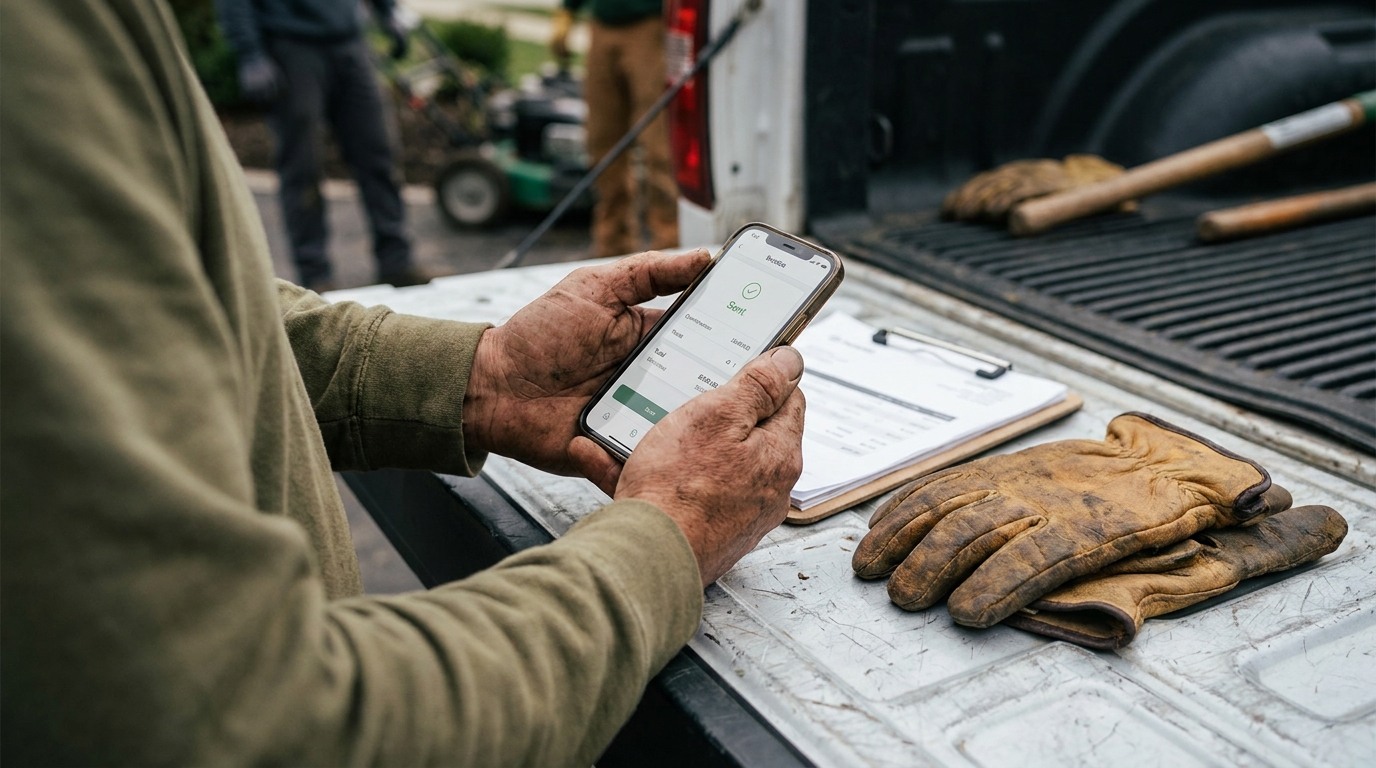
The fee almost nobody compares. Sticker price is only half the cost. The other half is payment processing — the slice taken every time a customer pays by card — and this is the single most overlooked line in the Jobber-vs-Yardbook debate. Jobber's payments run about the industry-standard 2.9% + $0.30 per transaction. Yardbook's free tier layers its own commission on top of standard processing — 1% of each transaction, stated in Yardbook's terms of service and waived on the Business and Enterprise plans (read 2026-08-15) — meaning the "free" tool can quietly cost you more on every invoice than the paid one does.
Do the math on your own numbers. A landscaper invoicing $8,000/month by card pays roughly $232/month in processing at 2.9%. Add Yardbook's stated 1% and that's ~$80 more every month — about a thousand dollars a year — which can erase the savings from a free subscription and then some. "Free" software with a higher take rate is not free; it's a different pricing model. Always compare the total cost to collect a dollar, not just the monthly fee.
Where Yardbook wins — and where it frustrates
Yardbook earns its loyal following honestly.
- It's free, and it's ours. A free tool built specifically for lawn care lowers the barrier to getting organized to almost zero. For a new solo operator, that's the difference between running a real client list and running a shoebox of receipts.
- Trade-specific from the ground up. The fields, the scheduling rhythm, the way recurring mowing is handled — it was designed by people who understand the green industry, not adapted from a generic CRM.
- No contract, no risk. You can test the entire core workflow without a credit card or a sales call.
The frustrations are just as real, and they tend to surface once you depend on the tool:
- Invoice deliverability. A recurring complaint across landscaping forums is Yardbook invoices landing in customers' spam folders. When you don't get paid because the bill never showed up, "free" gets expensive fast.
- A dated interface. The UI feels a generation behind. It works, but it's slower and less intuitive than modern tools — a real cost when you're entering jobs at 6 a.m. before a full route.
- Mobile gaps. Owners report the mobile experience as limited or perpetually in beta. If you run the business from your phone in the field (most landscapers do), that's a daily friction point.
- Lighter support. Help is largely community-driven. Fine when things work; thin when something breaks mid-season.
Where Jobber wins — and where it pinches
Jobber is the most polished product in this comparison, and it shows.
- Maturity and reliability. Scheduling, invoicing, payments, client communication — the core loop is refined and dependable. Invoices send and arrive. The app rarely surprises you.
- A genuinely good mobile app. Both iOS and Android are mature and field-ready, which matters when the office is the cab of your truck.
- Automations and client experience. Automatic reminders, follow-ups, online booking, and a client hub make a small operation look buttoned-up. (For more on turning that polish into bookings, see our guide on how to get lawn care customers.)
- Real support. Phone and chat, well-staffed. When you're stuck, someone picks up.
Where it pinches:
- It's a generalist. Jobber serves plumbers, cleaners, HVAC, and more. That breadth means menus and settings built for trades you don't run, and a workflow that isn't tuned to recurring lawn maintenance the way a lawn-first tool is.
- The cost climb. The entry tier is approachable, but the features most growing crews actually want live on higher plans. Budget for the tier you'll need in six months, not the one that gets you in the door.
- Add-on math. Marketing tools, extra users, and certain capabilities are paid add-ons. The advertised price and the price you actually pay can diverge quickly.
So which should you pick?
Forget "which is better" — that question has no honest answer. Ask "which fits," and it gets clear quickly.
Pick Yardbook if you're a solo operator or a brand-new business, you're watching every dollar, and you can live with a dated interface and the occasional deliverability headache. Free and lawn-specific is a strong combination when cash is tight — just run the processing-fee math first, because the take rate can outweigh the zero monthly fee. And if you've already outgrown the free tier, here are the Yardbook alternatives worth comparing.
Pick Jobber if you have a crew (or you're about to), reliability and a great mobile app are worth paying for, and you don't mind a tool built for field service broadly rather than landscaping specifically. If the monthly cost buys you invoices that actually get paid and a team that can run the app without training, it can pay for itself.
But notice what you're being forced to trade. With Yardbook you give up polish to stay free. With Jobber you pay a generalist premium to get polish. Plenty of landscapers feel that neither end of the spectrum quite fits — they want the trade-specificity of Yardbook and the reliability of Jobber, without the multi-trade bloat or the tier-climbing bill.
A third option built for the trade
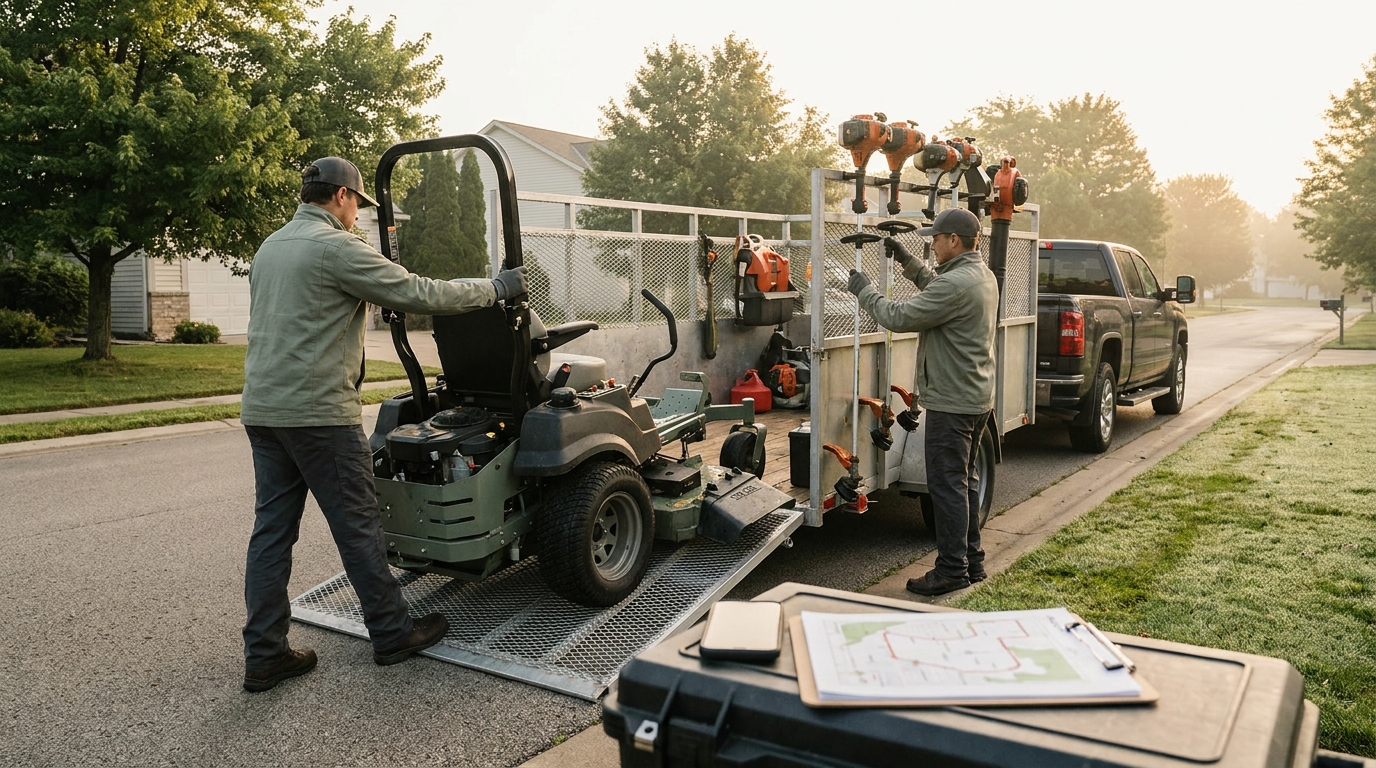
That gap is exactly why landscaping software built specifically for the trade — like Landscapey — is worth a look before you settle for either end of the spectrum.
The idea is simple: be lawn-and-landscape native like Yardbook, polished and reliable like Jobber, and priced like neither. Concretely, Landscapey gives you:
- One flat plan, everything included. No tier-climbing to unlock routing or automations — $19.99/month at launch pricing, unlimited service areas, the whole toolset.
- The full CRM spine for recurring work: leads, clients, jobs, recurring-first scheduling, route optimization, invoicing with online card payments, expenses, and financials — designed around how mowing and maintenance actually bill.
- A built-in lead engine. Every account gets an auto-generated, SEO-ready public profile page with a quote form — so the software doesn't just run your jobs, it helps bring them in. That's a capability neither Jobber nor Yardbook puts at the center.
- QuickBooks sync for the owners who keep their books there, so you're not double-entering invoices and payments.
None of this makes Jobber or Yardbook bad choices — they're established for good reasons. It means the binary in the title isn't the whole menu. If you want the deeper field, we keep an honest, regularly updated rundown of Jobber alternatives for landscapers, a head-to-head on Jobber vs Service Autopilot, and a broader explainer on choosing landscaping software.
How to run a fair two-week test
Whichever way you're leaning, don't decide on a slick demo video. Both tools let you try before you commit — Yardbook is free outright, and Jobber offers a trial — so run the same real jobs through each for two weeks and judge on what actually matters once it's holding your business:
- Send yourself — and a friend — a real invoice. Then check the spam folder. This single test surfaces the deliverability problem that haunts the free option faster than any review will. If the bill doesn't land in the inbox, nothing else matters.
- Do the fee math on a real month. Take last month's card volume and multiply it by each tool's total processing rate, commission included. That number, not the subscription line, is usually the bigger cost — and it's the one comparison articles skip.
- Run it from your phone on an actual route. Add a job, mark a visit complete, and pull up a client while you're standing in someone's yard. Office software that's painful on mobile is software you won't keep up with by week three.
- Schedule a recurring job. Most landscaping revenue is recurring maintenance. Set up a weekly mow and see how naturally the tool handles repeats, skips, and seasonal pauses — this is where trade-native design either helps or fights you.
- Export your data. Before you pour months of clients and history in, confirm you can get it all back out as a clean file. The tool that makes leaving easy is the one confident enough to keep you.
Two weeks of real use tells you more than two hours of reading. The winner is whichever one you stopped dreading by the end.
Frequently asked questions
Is Yardbook really free?
Yes — Yardbook's core product is free to use, which is its biggest draw. There are optional paid upgrades for advanced features (owners report around $100/year for the full set), and you should look closely at payment-processing rates, which can carry an added commission on the free tier. Compare the total cost to collect a payment, not just the subscription.
Does Jobber have a free plan?
No. Jobber is paid-only, starting at $29/month for a single user billed annually ($49 month to month) and rising with tiers and add-ons. Corrected 2026-08-03 against Jobber's live pricing page; this article previously gave the entry price as ~$49/month billed annually. It typically offers a free trial so you can test it, but there's no permanently free plan.
Which is cheaper, Jobber or Yardbook?
On subscription alone, Yardbook — it starts free. But "cheaper" depends on payment-processing fees and the features you need. A higher card-processing take rate on a free plan can cost more over a year than a modest paid subscription with lower fees. Run the math on your own monthly card volume.
Which is better for a solo operator?
For a true solo just getting organized, Yardbook's free, lawn-specific setup is hard to argue with — provided you're comfortable with a dated interface and you've checked the fees. If you'd rather have a modern mobile app and reliable invoicing from day one, a low flat-rate trade-native tool is the more comfortable home as you grow.
Can I switch between them later?
Yes. Both let you export your client and job data, so you're not locked in. The cleanest time to switch is the off-season, when you can move data and learn a new tool without disrupting active routes. Whichever you choose, make sure you can get your data out before you put years of it in.
Ready to see what a trade-native, single-plan option feels like? Start free with Landscapey — or keep researching with our full list of Jobber alternatives and our comparison of the top landscaping platforms.