
If you have spent ten minutes on Jobber's website, you already know the frustrating part: the price you see on the pricing page is not the price you pay. The sticker number is the starting subscription for one person on an annual contract. The number that actually leaves your bank account every month is that subscription plus extra users, plus any add-ons you switch on, plus the payment-processing fees that quietly dwarf everything else.
This guide breaks down what Jobber really costs a landscaping or lawn care business in 2026 — every published plan, the per-user math, the add-ons, and the one cost line that lives off the pricing page entirely. All figures below are Jobber's own published rates as of July 2026, re-verified against Jobber's live pricing page on 31 July 2026; pricing changes, so confirm the current numbers on getjobber.com/pricing before you sign anything.
Note, 28 August 2026: the grid below is Jobber's standard annual and month-to-month pricing, and it still matches their page today. Running alongside it until 31 August is a promotional column that is not shown here - Core at $21/mo for twelve months, Connect at $70, Grow at $105, Plus at $280 - after which each reverts to the annual figure in the table. We break the promo down, along with the fact that Jobber publishes no price at all for its new AI Receptionist add-on, in what missed calls cost a landscaping business.
Cost comparisons in this category break down when the vendors are not charging for the same unit. Per-seat pricing counts people; GorillaDesk counts routes - one schedule per truck - and gives you unlimited free office users on every plan. For a four-person shop running two two-person crews that is two paid units, not four, and any per-seat quote you set beside it is answering a different question. What that model costs as you add crews.
The short answer
Jobber's published plans run from $29/month to $529/month when billed annually (roughly $49 to $699/month if you pay month-to-month). A true solo operator pays about $348/year on the entry plan. A small crew that needs scheduling, routing, and quoting features realistically lands between $1,200 and $1,800/year once you account for users. And then there is payment processing at 2.9% + 30¢ per card transaction, which for most established crews is the single largest software-related expense — often several times the subscription itself.
That is the honest headline. Now let's build the number up layer by layer, because where you land depends entirely on how many people you have and how you collect money.
Jobber's plans at a glance (2026)
Jobber sells four tiers. Each includes a fixed number of users; beyond that you pay per seat. Annual billing is meaningfully cheaper than monthly, which is the trade you make for a 12-month commitment.
| Plan | Annual (billed yearly) | Month-to-month | Users included | Extra users |
|---|---|---|---|---|
| Core | $29/mo | $49/mo | 1 | $29/user/mo |
| Connect | $99/mo | $139/mo | 1 | $29/user/mo |
| Connect | $149/mo | $199/mo | 5 | $29/user/mo |
| Connect | $229/mo | $299/mo | 10 | $29/user/mo |
| Grow | $149/mo | $199/mo | 1 | $29/user/mo |
| Grow | $229/mo | $299/mo | 5 | $29/user/mo |
| Grow | $299/mo | $399/mo | 10 | $29/user/mo |
| Plus | $399/mo | $499/mo | 5 | $29/user/mo |
| Plus | $449/mo | $599/mo | 10 | $29/user/mo |
| Plus | $529/mo | $699/mo | 15 | $29/user/mo |
Correction, 31 July 2026: an earlier version of this table listed Connect at $99/mo with 5 seats included and Grow at $149/mo with 10 seats. That was wrong. Jobber prices every plan in team-size bands — the $99 Connect and the $149 Grow are one-user prices, and a five-seat crew pays $149 and $229 respectively. Re-verified line by line against Jobber's live pricing page. If you want the wider picture, we also cover is Jobber worth it for a landscaping business and what each tier actually unlocks.
A few things worth noticing before you pick a tier. The jump from Core to Connect is large (more than triple the price) because Core is genuinely a one-person plan — features like online booking and the more advanced automations live higher up. The headline "starting at $29" is real, but it describes the floor, not the room most growing businesses actually live in.
The four cost layers nobody adds up
The reason owners feel blindsided by their bill is that the cost arrives in four separate layers, and the pricing page only shows you the first one clearly. Add them all up before you decide:
- The subscription tier — your base monthly plan (Core through Plus).
- Per-user fees — $29/month for every seat beyond what your tier includes.
- Add-ons — optional modules billed on top, each its own monthly line.
- Payment processing — a percentage of every card payment you collect, which never appears on the pricing comparison at all.
Layers one and two are predictable. Layer three is a choice. Layer four is the one that surprises people, and we'll spend the most time there because for a real working crew it is usually the biggest number on the list.
The per-user math: what your crew size actually costs
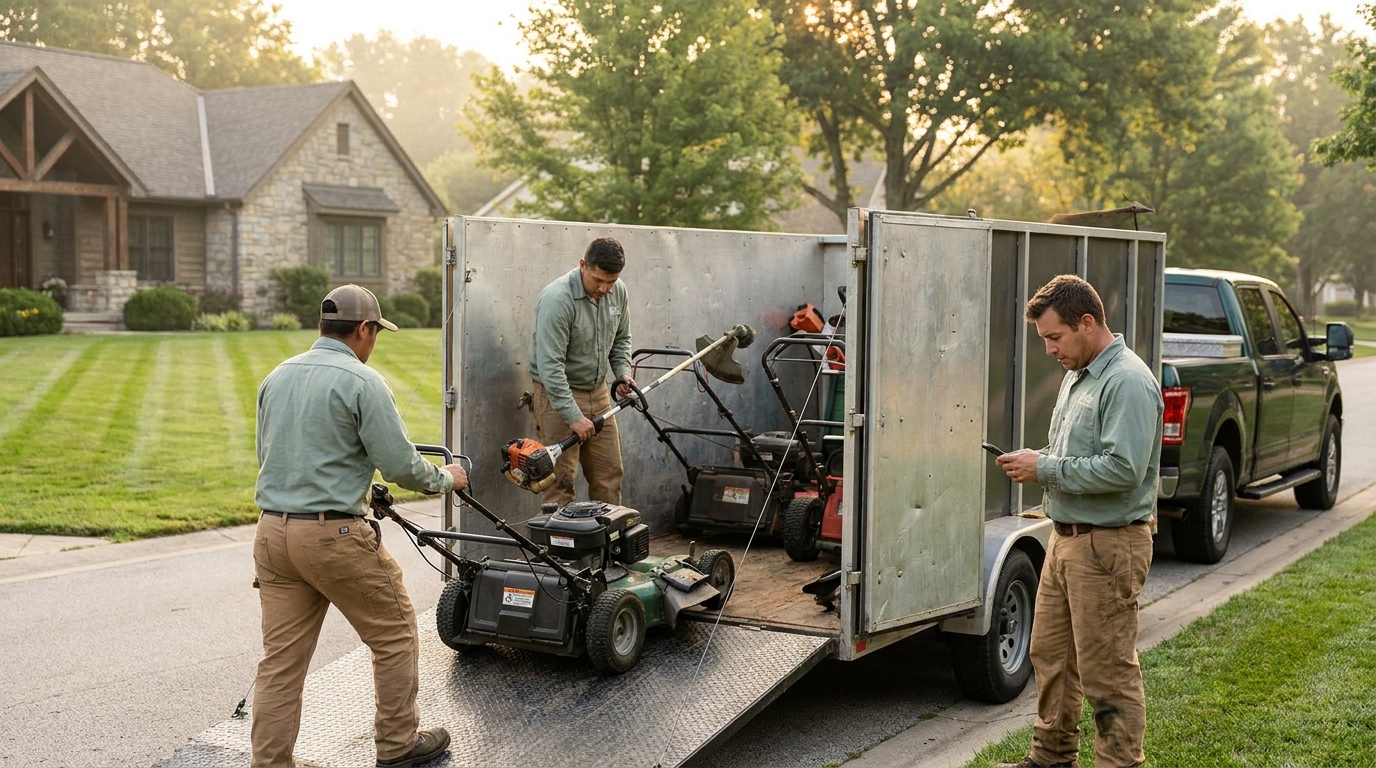
Because Jobber charges per seat above your included users, your real subscription is a function of headcount, not just the plan name. Here is what that looks like for typical landscaping businesses, all on annual billing:
- Solo operator (1 user): Core at $29/mo = $348/year. The cleanest scenario — you fit inside the included seat.
- You plus two crew (3 users): You have two honest options. Stay on Core and add 2 seats: $29 + $58 = $87/mo ($1,044/year). Or move to Connect's five-seat band at $149/mo ($1,788/year), which unlocks QuickBooks Online sync, automated client reminders, and automatic payment collection. Note that the five-seat band beats buying the $99 one-seat band and adding two $29 users ($157/mo). Most growing operations end up on Connect.
- Established crew (6 users): Connect's five-seat band plus one extra = $149 + $29 = $178/mo ($2,136/year). Adding $29 seats to the five-seat band stays cheaper than jumping to the ten-seat band ($229/mo) right up until you hit eight users. If you want Grow's job costing and automations, Grow's five-seat band is $229/mo ($2,748/year).
- Multi-crew (12+ users): You're into Grow or Plus territory — $149 to $529/mo base, plus seats. Realistically $2,000–$5,000+/year in subscription alone.
None of this is hidden, exactly — it's all on the pricing page if you click into the per-user note — but it's the line owners most often forget to multiply out. A "$99 plan" for a six-person crew is really $128, and that's before a single add-on.
Add-ons that move the price
Jobber also sells optional modules à la carte. They're useful, but each one is a separate monthly charge stacked on your base plan. As of mid-2026 the headline add-ons include:
- Marketing Suite — about $79/mo for email campaigns and review automation.
- AI Receptionist — about $99/mo to answer and triage inbound calls.
- Pipeline — about $49/mo for sales-pipeline management.
Switch on even one and your "$99 Connect plan" becomes $178/mo. Turn on two and you're paying more in add-ons than in base subscription. There's nothing wrong with paying for tools you use — the point is to count them, because the menu is designed to grow your bill one reasonable-sounding $49 at a time.
The biggest line item isn't on the pricing page

Here is the cost that decides whether software is "cheap" or "expensive" for your business, and it's almost never in the headline comparison: payment processing. Jobber's published rates are standard for the industry — 2.9% + 30¢ for keyed/online cards, 2.7% + 30¢ for tap, and 1% for bank (ACH) payments, with an extra 1% if you want instant payouts.
Those percentages sound small until you run real volume through them. Take a crew billing $15,000/month in card payments across, say, 50 invoices:
- 2.9% of $15,000 = $435
- 50 transactions × $0.30 = $15
- ≈ $450/month, or about $5,400/year — just in processing.
Compare that to a $99/month Connect subscription ($1,188/year). The processing fee is more than four times the software subscription. For most established crews, the question "how much does Jobber cost" is really answered by how much you run through card payments, not which tier you pick.
Two honest caveats. First, this is not a Jobber problem specifically — 2.9% + 30¢ is roughly what Stripe, Square, and nearly every field-service tool charge, because that's what the card networks cost. Switching software rarely changes this layer much. Second, the one real lever you control is the payment method: routing recurring maintenance clients to ACH/bank payments at ~1% instead of card would cut that $435 down toward $150. If you bill the same $15,000 by bank transfer, you're paying a third of the card fee. That single habit saves more than most subscription decisions ever will.
Annual vs. monthly: the lock-in trade
Every Jobber number above has two versions, and the gap is significant. Core is $29/mo annually but $49/mo if you pay monthly — a 69% premium for flexibility. Connect is $99 vs $139. The annual discount is real money, but it commits you for a year on a platform you may still be evaluating. If you're brand new and not certain the tool fits, the monthly rate is the honest cost of keeping your options open; budget the higher number until you're sure.
So what does Jobber really cost? Three worked scenarios
Putting the layers together, here's the all-in annual picture for three common landscaping businesses (annual billing, no add-ons, processing estimated on typical volume):
- Side-hustle solo, light card volume: $348 subscription + maybe $1,000/year processing on $35k of card revenue ≈ $1,350/year.
- Three-person crew, $180k/year card revenue: $1,188 subscription + ~$5,200 processing ≈ $6,400/year — and notice processing is ~80% of it.
- Six-person crew on Grow + Marketing Suite, $400k card revenue: $1,788 + $948 add-on + ~$11,600 processing ≈ $14,300/year.
The pattern is clear: as you grow, the subscription tier matters less and less, and how you collect money matters more and more. Any honest "what does this software cost" answer has to include that fourth layer. The same arithmetic decides whether Yardbook's free plan is actually free — and it is the question to ask about Service Autopilot's unpublished sign-up fee too.
Is Jobber worth it?
For plenty of businesses, yes. Jobber is a mature, broad, well-supported platform with a deep feature set, a large ecosystem, and years of polish — if you run a mixed home-services operation (not just landscaping) or you want one tool that covers quoting, scheduling, invoicing, and marketing under one roof, it earns its keep. The honest knock isn't quality; it's cost structure. The tier jumps, per-seat fees, and add-on menu mean your bill tends to climb as you grow, and the things a landscaper specifically needs — recurring visit scheduling, route optimization — are spread across tiers rather than included from the start.
If you want a full neutral teardown of where Jobber fits and where it doesn't, we've written three: 7 Jobber alternatives for landscapers, Jobber vs Yardbook, and Jobber vs Service Autopilot. All three weigh the same trade-offs from a landscaping-first point of view.
A leaner option built only for landscapers
Landscapey takes the opposite approach to pricing. There is one plan, not four tiers — currently $19.99/month (or $199.99/year, about $16.67/month) at launch pricing. Everything is included: recurring scheduling, route optimization, invoicing, the public lead-generating profile page, expenses, financials, and QuickBooks sync. There are no per-user fees and no à la carte add-on menu — the price you see is the price you pay, regardless of crew size.
On payments, Landscapey connects to your own Stripe account with direct charges, which means you pay Stripe's standard processing rate and Landscapey adds no markup on top — there's no software-side cut of your card revenue. Your processing cost is the unavoidable card-network layer and nothing more. Because Landscapey is built only for landscaping and lawn care businesses, the recurring-first scheduling and routing that Jobber spreads across tiers are simply part of the single plan.
It's a younger product with a narrower scope — it's not trying to serve plumbers and HVAC too — and that focus is the point. If a transparent, flat, trade-specific price is what you're after, see Landscapey pricing or start a free trial. For the bigger picture on choosing a platform, our guide to landscaping software covers the full landscape.
How to estimate your own cost in five minutes
Don't take anyone's "average" — your number depends on your business. Run this quick checklist:
- Count your seats. How many people need to log in? That sets your tier and per-user fees.
- List the add-ons you'd actually turn on. Be honest — only the ones you'll use.
- Estimate your monthly card volume. Multiply by ~3% to size the processing layer. This is usually the biggest number.
- Check how much could move to ACH. Recurring maintenance clients are the easiest to shift to ~1% bank payments.
- Add it up annually, not monthly. Small monthly numbers hide large yearly ones — and that's the figure you're really committing to.
Frequently asked questions
How much does Jobber cost for one person?
The entry Core plan is $29/month billed annually ($49/month month-to-month), which includes one user — about $348/year on the annual rate. Payment-processing fees of 2.9% + 30¢ per card transaction apply on top of that once you start collecting payments through Jobber.
Does Jobber charge per user?
Yes, and the structure is easy to misread. Jobber prices every plan in team-size bands, so each headline rate is a one-user price: Core $29, Connect $99, Grow $149 and Plus $399 all describe a single user on the annual rate. A five-person crew pays $149 on Connect and $229 on Grow. Extra seats beyond a band run about $29/month each, which means adding seats to a smaller band is sometimes cheaper than moving up a band. Multiply out your real seat count before comparing plan prices. (Corrected 1 August 2026: an earlier version of this answer described Connect, Grow and Plus as including 5, 10 and 15 seats. They do not.)
Are there hidden fees with Jobber?
Nothing is technically hidden, but the costs that surprise people are the per-user fees above your included seats, the optional add-ons (Marketing Suite, AI Receptionist, Pipeline), and especially payment processing, which isn't shown on the plan comparison. Add all four layers before you decide.
Does Jobber take a cut of my payments?
Jobber's payment processing charges 2.9% + 30¢ for cards (2.7% + 30¢ for tap, 1% for ACH) — the standard industry rate, not an extra markup. The lever you control is routing recurring clients to bank/ACH payments to cut that percentage substantially.
Is there a cheaper alternative to Jobber for landscapers?
Yes — several, and the right one depends on your needs. Landscapey is a flat $19.99/month single plan with no per-user fees, built specifically for landscaping and lawn care, with payments running on your own Stripe account at no added markup. For other options and a fair comparison, see our Jobber alternatives guide.
Comparing Jobber directly against another big generalist? See our head-to-head on Jobber vs Housecall Pro for landscapers, or read what Housecall Pro costs a lawn crew for this same layered treatment applied to its three plans.
The bottom line
"How much does Jobber cost" has no single answer, because the sticker price is only the first of four layers. Budget for your real seat count, the add-ons you'll actually use, and — above all — the payment processing that scales with your revenue. Do that math honestly for any tool you're considering, Jobber included, and you'll never be surprised by an invoice. And if a transparent flat price built for the trade sounds better than climbing tiers, that's exactly the gap Landscapey was built to fill.