
Ask a room of landscapers what software they run and two names surface again and again at the serious end of the spectrum: Jobber, the polished field-service platform half the home-services world runs on, and Service Autopilot, the automation-heavy system built by lawn-care people for lawn-care people. They are not the same kind of tool — which is exactly why "Jobber vs Service Autopilot" is one of the harder calls an owner makes, and one of the more expensive ones to get wrong.
Most of what's written about this matchup is either a forum argument from a few seasons ago or a generic field-service roundup that has never quoted a single mowing route. This comparison is written for landscapers. We'll cover how each tool actually fits a green-industry business, where each one genuinely shines, the two costs owners consistently underestimate, and an honest answer to which fits you — including a third option a lot of owners don't realize exists.
The short version: Service Autopilot is the more powerful, more lawn-specific system — deep automations, tight handling of recurring routes and visits, built for operators who want to systemize and scale. You pay for that power with a real learning curve and a higher all-in cost. Jobber is easier to learn, friendlier to get help from, and broader (it serves dozens of trades), but that breadth means some of what you're paying for isn't built for lawn care specifically. Neither is "best." The right pick is a fit question that comes down to how complex your operation is and how much time you have to set a system up.
Jobber vs Service Autopilot at a glance
The fastest way to see the trade-off is side by side. Treat every pricing row as a range and confirm current numbers on each vendor's site before you commit — both adjust tiers and add-ons regularly, and the right tier for you depends on user count and which features you actually switch on. For Jobber's full pricing breakdown, see how much Jobber costs in 2026. For Service Autopilot's plan-by-plan numbers, read line by line off its live pricing chart, see our Service Autopilot review.
| Factor | Jobber | Service Autopilot |
|---|---|---|
| Entry price | $29/mo billed annually ($49 month to month); climbs by tier & users | $49/mo entry tier (Startup); routing starts at Pro, $199/mo |
| Built for | Field service broadly (multi-trade) | Lawn care, landscaping & cleaning specifically |
| Learning curve | Gentle — usable within days | Steep — a real setup investment |
| Automation | Solid and straightforward | Deep, rules-based automation engine |
| Scheduling & visits | Strong, mature calendar | Strong, built around recurring routes |
| Route planning | Routing on higher tiers | Mature route optimization |
| Card processing | ~2.9% + $0.30/txn (Jobber Payments) | In-app processing; confirm current rate |
| Mobile app | Mature iOS & Android | Capable; heavier feature set |
| Best fit | Owners who want simple-and-reliable, fast | Operators systemizing to scale crews |
| Support style | Phone + chat, well-staffed | Coaching/community-oriented; steeper ramp |
Read the table top to bottom and a pattern shows up: almost every row is the same trade-off stated a different way. Service Autopilot gives you more control and more depth; Jobber gives you less friction and a faster start. Hold that lens through the rest of this and the decision gets a lot clearer.
Where Service Autopilot pulls ahead
Service Autopilot was built inside a lawn-care company, and it shows. The platform's signature is its automation engine — rules you set once that then run your business in the background. A new lead comes in and gets a sequence of follow-up emails. A job is completed and an invoice fires automatically. A customer's card declines and a dunning sequence chases it without you lifting a finger. For an owner who is tired of being the manual glue between every step, that depth is genuinely valuable, and it's hard to match in simpler tools.
The second strength is recurring, route-dense work — the core of most lawn-care operations. Service Autopilot treats recurring visits and routes as first-class citizens rather than an afterthought bolted onto a one-off-job calendar. If you run dozens or hundreds of weekly and biweekly mowing accounts and you care about packing routes tightly to cut windshield time, the routing and visit-generation tooling is mature and built for exactly that shape of business.
Third is ceiling. As you add crews, the things that break a simpler system — crew assignment, time tracking, multi-step automations, more complex billing — are where Service Autopilot keeps going. Operators who intend to grow past a couple of trucks and want one system that won't be outgrown in two years often land here for that reason.
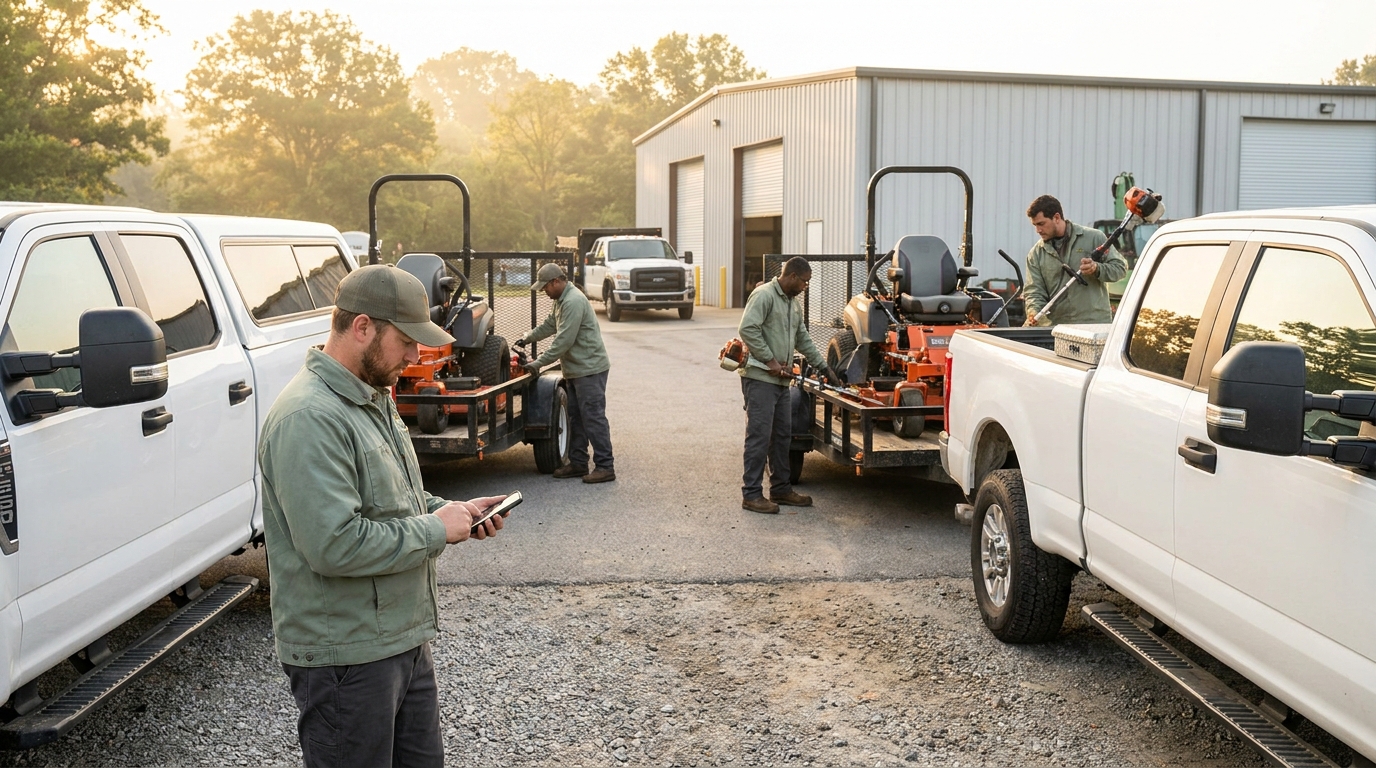
The honest cost of all that power is the learning curve. Service Autopilot is not a sign-up-and-go tool. Expect to invest real hours — often days — configuring it before it pays you back, and budget for the fact that getting a crew comfortable with it takes longer than with a lighter app. That investment is worth it for the right operation and a tax on the wrong one.
Where Jobber pulls ahead
Jobber's whole design philosophy is the opposite: get an owner organized and reliable as fast as possible. Its biggest advantage is time-to-value. Most owners are quoting, scheduling, and invoicing within a day or two of signing up. The interface is clean and modern, the mobile apps are mature on both iOS and Android, and nothing about the product fights you on day one. If your current "system" is a whiteboard and a stack of text messages, Jobber will feel like an upgrade immediately rather than a project.
Its second strength is polish and reliability on the customer-facing pieces — professional quotes, clean invoices that actually get delivered, automated appointment reminders, and an online booking experience that makes a small operation look established. For owners who win or lose jobs on how buttoned-up they appear, that finish matters.
Its third strength is support. Jobber is well-staffed on phone and chat, and because the product is simpler there's less to get stuck on in the first place. When something does go sideways mid-season, getting a human quickly is worth a lot.
The honest cost on Jobber's side is breadth. It serves plumbers, cleaners, HVAC techs, and landscapers from the same core product. That makes it dependable and well-resourced, but it also means some lawn-specific niceties — the way you'd want recurring routes or seasonal contracts handled — are more generic than in a tool built only for the green industry. And the higher tiers, where routing and the richer automation live, climb in price as you add users.
The two costs owners underestimate
Most comparisons stop at the feature grid. The two things that actually decide whether you're happy a year from now rarely make the grid at all.
1. Time-to-value, not just price
A tool you never fully set up is the most expensive tool you can buy, because you pay for it and don't get the payback. This is the real Service Autopilot risk: its power only materializes after you've invested the configuration time, and plenty of owners buy the power, never finish the setup, and quietly use 20% of what they pay for. Jobber's risk is the mirror image — you get value fast, then bump the ceiling later and have to migrate. Be honest about which mistake you're more likely to make: under-using a powerful tool, or outgrowing a simple one.
2. Payment processing, not just the subscription
The subscription line is the number everyone compares. The bigger number over a year is often card-processing fees. If you run $25,000 a month through the system on cards at roughly 2.9% + $0.30 a transaction, you're paying well over $700 a month in processing — far more than any subscription tier. A half-point difference in your effective rate, or a tool that quietly adds a markup on top of the processor's rate, can cost more across a season than the software itself. Before you sign anywhere, ask the plain question: what is my all-in effective rate per dollar collected, including any platform markup? Then compare that, not just the monthly fee.
Which one fits your business
Strip away the feature lists and the decision comes down to where you are right now.
Solo operator or just getting organized. If it's you, a truck, and a route — or you and one helper — Service Autopilot is probably more system than you need yet, and the setup time is a real cost when you're the one mowing all day. A simpler tool gets you organized this week. Don't buy a ceiling you won't reach for two years if it slows you down today.
Small crew, growing deliberately. Two or three crews and a clear intent to systemize is the genuine toss-up zone. If you have the appetite to invest setup time and you want automation depth, Service Autopilot rewards it. If you'd rather stay nimble and keep the tool out of your way, Jobber's simplicity is the safer bet. This is the band where running a real trial of both pays for itself.
Scaling multi-crew operation. If you're past a few trucks, running heavy recurring routes, and you want one system to automate as much as possible, Service Autopilot's ceiling is the stronger argument — provided you'll commit the time to configure it properly. The depth is only an asset if you actually use it.
The third option most owners miss
The reason "Jobber vs Service Autopilot" feels hard is that it forces a trade-off between simple and built-for-lawn-care, as if you have to give up one to get the other. You don't, and that gap is exactly why a new generation of landscaping software exists.
Landscapey is built only for landscapers — recurring jobs, route planning, scheduling, invoicing, and online card payments are the core, not a multi-trade afterthought — while staying simple enough to be useful the day you sign up. A few things we made deliberate calls on:
- One plan, one price. Everything is included — unlimited service areas, no per-feature tier you have to climb to unlock routing or recurring billing. You can see exactly what it costs on our pricing page, with no surprise jump when you add the feature you actually needed.
- No platform markup on card payments. Payments run through your own connected Stripe account at standard processing rates — we don't take a cut on top of every transaction. Given the math above, that's often the line that matters most.
- A public profile that brings in leads. Every account gets an SEO-ready profile page with a built-in quote form, so the software isn't only an expense — it's a channel that can pay for itself.
- QuickBooks sync, honestly scoped. Invoices created in Landscapey can push to QuickBooks Online so you're not entering everything twice. (More on the bookkeeping side in our QuickBooks for landscapers guide.)
We're not going to tell you we out-automate Service Autopilot at the very top end — if you want a hundred-rule automation cathedral, that's their strength. What we'll claim is the spot the two giants leave open: trade-native and genuinely simple, at a price with no asterisks.
How to run a fair two-week test
Whichever way you're leaning, don't decide from a feature page — decide from your own data. Here's a test that takes about an hour to set up and settles the question honestly:
- Load ten real accounts. Not demo data — ten of your actual recurring customers, with real addresses and visit frequencies. You're testing how the tool handles your work, not a tidy sample.
- Build one full week of routes. Schedule the visits, assign them, and see how much manual fiddling each tool needs to produce a route you'd actually hand a crew.
- Run one invoice end to end. Create it, send it, pay it with a real card, and watch the money land. Time it, and note the all-in fee.
- Time your setup. Track how long each step took. The tool that got you to a sendable invoice fastest, with the lowest all-in cost, is telling you something the marketing pages won't.
Run that on any two of the three options and the abstract "which is better" question turns into a concrete answer for your business. For more candidates to test against, our list of Jobber alternatives for landscapers covers the rest of the field, and our Jobber vs Yardbook comparison breaks down the free-incumbent angle.
Frequently asked questions
Is Service Autopilot better than Jobber for lawn care?
For complex, recurring, route-dense lawn-care operations that will invest the setup time, Service Autopilot's lawn-specific depth and automations are a genuine edge. For owners who want to be organized and invoicing this week without a project, Jobber's simplicity often wins. "Better" depends entirely on how complex your operation is and how much time you have to configure a system.
Which is more expensive, Jobber or Service Autopilot?
Both start in a similar entry range, but the real cost is all-in: subscription tier plus add-ons plus card-processing fees. Service Autopilot's power can pull you toward higher tiers and longer setup; Jobber's routing and richer features live on higher tiers too. Compare your likely tier and your monthly card volume at each tool's effective processing rate — that total, not the sticker price, is what you'll actually pay.
Is Service Autopilot hard to learn?
It has the steeper learning curve of the two. The automation depth that makes it powerful also makes setup a real investment — budget hours, not minutes, to configure it and to get a crew comfortable. That ramp pays off for operators who use the depth and is wasted on those who don't.
Can I switch from one to the other later?
Yes. Both let you export your client and job data, so you're not permanently locked in. The cleanest time to migrate is the off-season, when you can move data and learn a new tool without disrupting active routes. Whichever you pick, confirm you can get your data out before you put years of it in.
What's a simpler alternative to both?
If both feel like more system than you want, a trade-native single-plan tool like Landscapey covers recurring jobs, scheduling, routing, invoicing, and card payments without per-feature tiers or a platform markup on payments — built for landscapers, simple enough to use on day one.
Still weighing your options? Start free with Landscapey and run the two-week test above against whatever else you're considering — or keep researching with our complete guide to landscaping software and our roundup of Service Autopilot alternatives.