Search groundskeeping software and the results will hand you three completely different products as though they were interchangeable: a maintenance-management platform sold to school districts, an inspection app sold to quality managers, and a billing program for lawn care contractors that still ships on a CD. They are not competitors. They do not overlap. Buying the wrong one is not a matter of paying too much — it is a matter of owning software that cannot do the job at any price.
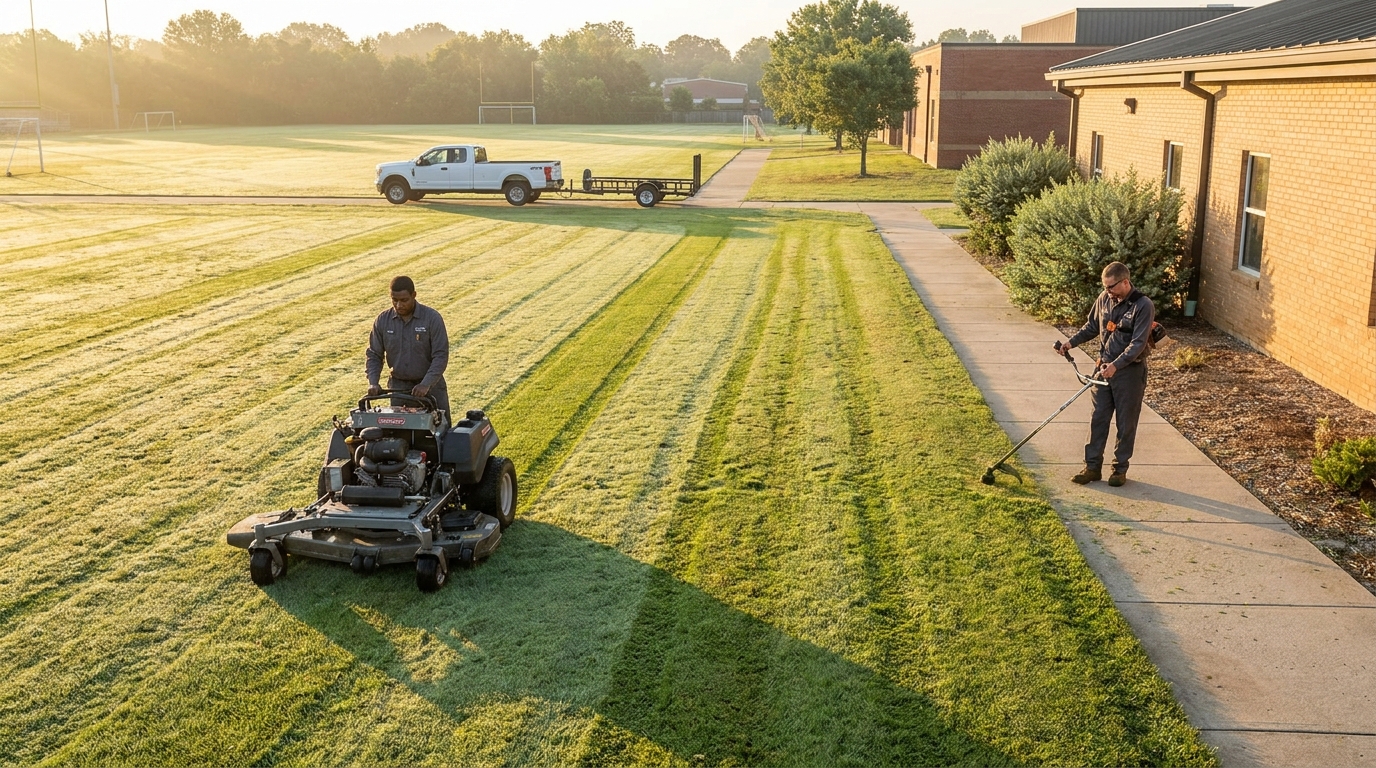
The confusion is structural. "Groundskeeping" describes the work — mowing, edging, irrigation, beds, turf, snow — and says nothing about who is doing it or how it gets paid for. A district groundskeeper mowing a campus they will never invoice and a contractor mowing that same campus under a signed contract are doing identical work with opposite software needs.
This piece sorts the category with one question, shows what each of the three product types actually costs, and says plainly which one Landscapey is and is not. Every vendor fact below was read first-hand on 29 August 2026, with the wording quoted where the wording is the point.
The one question that sorts the whole category
Do you invoice for this work, or do you budget for it?
That is the entire fork, and it decides more than any feature list.
If you invoice — you are a contractor, the grounds belong to someone else, and the work turns into an accounts-receivable line — you need client records, recurring schedules, routes, estimates, invoices, and a way to take payment. That is green-industry business software, sometimes called a landscaping CRM.
If you budget — you are on staff, the grounds belong to your employer, and the work comes out of an approved annual line item — you never send an invoice at all. What you need is a work-order queue, an asset register for the mowers and irrigation controllers, preventive-maintenance scheduling, and a report your director can take to a board meeting. That is a CMMS (computerised maintenance management system) or a facilities platform.
Almost every bad purchase in this category is somebody who answered one way buying software built for the other answer. The invoicing side has no asset register. The budget side has no invoice.
The three product types the search results mix together
A general web search for the exact phrase on 29 August 2026 returns, in the first page of results: two directory filter pages (GetApp lists "Groundskeeping Management" as a checkbox feature filter underneath both its Landscape Software and its Lawn Care Software categories), a facilities-management comparison page, a Capterra listing, an inspection product, and one Windows desktop program. That is not a category. That is three categories sharing a word.
| Product type | Bought by | Core object | Does it invoice? | Examples |
|---|---|---|---|---|
| CMMS / asset maintenance | In-house grounds and facilities teams — districts, campuses, parks, healthcare | The work order and the asset | No | Brightly Asset Essentials, Limble |
| Inspection and quality control | Whoever is accountable for standards — either side of the contract | The scored inspection | No | OrangeQC |
| Green-industry business software | Contractors who bill for grounds work | The client and the recurring job | Yes | Jobber, Aspire, Yardbook, GroundsKeeper Pro, Landscapey |
Notice that the middle row can be bought by either side. Inspection software is the one genuinely shared tool in this space, which is exactly why it shows up in a search that otherwise splits cleanly in two.
If you are the in-house crew: you are shopping for a CMMS
The platform most often named for school and campus grounds is Brightly Asset Essentials, the descendant of the SchoolDude products a generation of facilities directors grew up on. Two things about it are worth knowing before you start a demo.
First, it is a Siemens product now. As of today the old product URL at brightlysoftware.com returns a 301 redirect to assetmanagement.siemens.com — the Brightly name survives on the page, the domain does not. If your district has renewal paperwork or a purchasing record pointing at the old brand, that is where it went.
Second, and more usefully: the Asset Essentials product page does not mention grounds, landscaping, or outdoor assets anywhere. It describes tracking asset performance and maintenance histories, managing work orders and preventive maintenance, parts inventory, analytics, and an AI assistant. All of that applies perfectly well to a fleet of mowers and an irrigation system — but you are buying a general asset platform and pointing it at grounds, not buying a grounds product. Ask the demo to build you a real irrigation-zone asset and a real spring-startup PM schedule rather than accepting the building-maintenance walkthrough.
Limble, the other name that comes up constantly for schools, publishes three tiers — Standard, Premium+ and Enterprise — and no prices at all. The pricing page routes you to a calculator instead. Standard covers the mobile app, unlimited assets, unlimited work orders, unlimited work requesters and dashboards; Premium+ adds offline mode, spare parts, vendor and purchase-order management, meter-based scheduling and API access; Enterprise adds multi-location reporting, custom approval workflows and SSO. For grounds specifically, two of those matter more than the rest: offline mode, because half your work happens out of signal range, and meter-based scheduling, because mower service intervals are measured in engine hours, not calendar weeks.

If you are the contractor: you are shopping for green-industry business software
Contractors holding grounds-maintenance contracts — a school district, an HOA, a business park, a church campus — have the opposite problem. The work is stable and repetitive, which is the easy part. The hard parts are that the money arrives on the institution's terms and the schedule has to survive weather, and neither of those is a CMMS problem.
What actually decides it:
- Recurring schedules that generate themselves. A 32-week mowing contract is 32 visits per site that should appear without anyone typing them in, and should keep their place in the route when one of them moves.
- Contract billing, not per-visit billing. Institutional contracts are usually billed as an equal monthly amount across the season regardless of how many visits fell in that month. Software that can only invoice per completed visit will fight you every month. We covered the wider version of this in our piece on what changes when you sell to commercial clients — net-30 and net-45 terms, purchase-order numbers, and insurance certificates that have to be current before anyone will pay you.
- Rain days that do not cost you the week. Losing Tuesday to a storm means moving Tuesday's stops without wrecking Wednesday's route. This is the single most under-tested feature in every demo you will sit through.
- Proof of service. Institutional clients ask what was done and when, sometimes months later. Timestamps and photos settle it; memory does not.
What the contractor tools cost, on the record
Published prices in this corner of the market are unusually honest, so it is worth putting them side by side. Read on 29 August 2026:
| Product | Price | Users included | Extra users |
|---|---|---|---|
| Jobber Core | $21/mo billed annually, $49 month-to-month | 1 | "$29/mo each" |
| Jobber Connect | $70/mo annually, $139 month-to-month | 1 | "$29/mo each" |
| Jobber Grow | $105/mo annually, $199 month-to-month | 1 | "$29/mo each" |
| Jobber Plus | $280/mo annually, $499 month-to-month | 5 | "$29/mo each" |
| GroundsKeeper Pro v9.1.3 | $579.00 one-time | Single owner, unlimited computers | n/a |
| Landscapey | $19.99/mo or $199.99/yr | 1 | Not available yet |
| Aspire, LMN, SingleOps | Quote only | — | — |
Two footnotes that matter more than the table. Jobber's annual figures above are a promotion — the page says "Save up to 40%" and "Offer ends Aug 31", which is two days from today; after that each tier reverts to its standard annual rate. And Jobber defines a user as "anyone who accesses your account at the office or in the field to view or manage the team's schedule", so a three-person crew on Core is $49 plus two seats at $29, not $49. Our full breakdown of what Jobber costs walks the whole ladder.
GroundsKeeper Pro deserves a paragraph of its own, because it is the one product that ranks for this phrase on its own name and it is nothing like the others. Adkad Technologies sells it for $579.00 as a one-time purchase — "No Monthly Fees for Software" — with a registration number good for an unlimited number of computers for the licensed user, 30 days of support included, and delivery as both a download link and a physical CD. It requires Windows 8, 10 (not in S Mode) or 11; there is no Mac version; updates arrive "approximately every 1 1/2 to 2 years" and cost between $0 and $150 depending on what is in them.
That is not a joke about the past. For a solo operator with a fixed route, a printer, one office PC and no interest in a subscription, $579 once beats $49 a month inside twelve months and keeps beating it. What you give up is the phone: there is no crew app, so nothing you do in the field reaches the office until you get back to that PC. We looked at the wider version of this trade-off — what green-industry software actually runs on, and which vendors still ship desktop installs — in lawn care computer software.
Inspection software: the one tool both sides buy
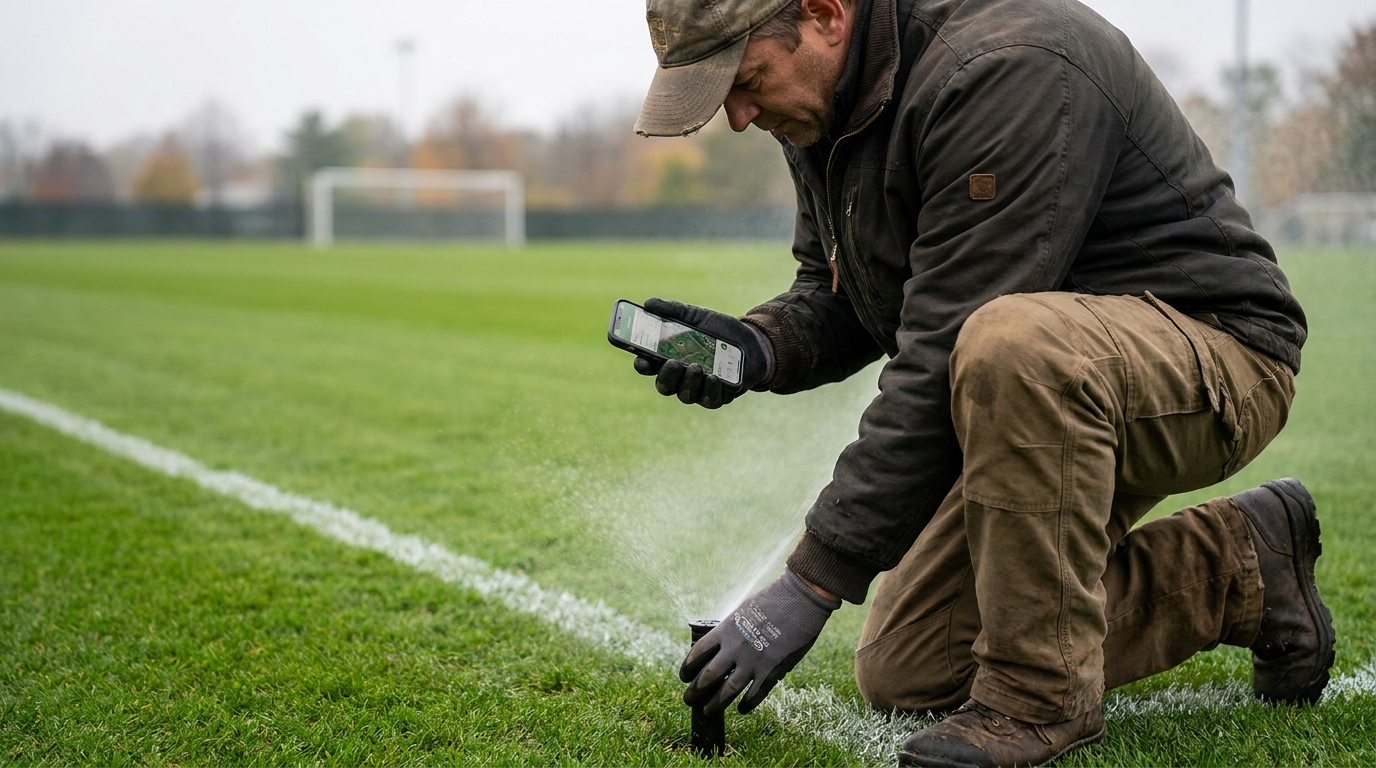
OrangeQC is the clearest example of the third type. It describes itself for this audience as a way to "Inspect anywhere your crew works with an offline-enabled mobile app", keeping a digital log of photos, notes, scores and GPS tags across landscape audits, property inspections, equipment checks, irrigation audits and athletic-field inspections. It sells to in-house facility teams at schools and universities, to landscaping contractors, to municipalities and to healthcare — both sides of the contract, deliberately.
It also does not invoice or bill at all, and it publishes no price; the page offers a 30-day free trial and a demo request. That combination is the tell for what it is: a quality-assurance layer that sits on top of whatever system already holds your work, not a replacement for either one.
It is worth buying when someone can be penalised for a standard slipping — a contractor whose renewal depends on a scorecard, or a district groundskeeper who has to show a board that the fields were inspected before a season opened. It is worth skipping when the only person judging the work is the person doing it.
Nobody in this category will tell you their price
Line the six vendors up and the pattern is hard to miss:
| Vendor | Type | Price published? |
|---|---|---|
| Brightly Asset Essentials (Siemens) | CMMS | No — "Request a demo" / "Take a tour" |
| Limble | CMMS | No — three named tiers, a calculator instead of figures |
| OrangeQC | Inspection | No — free trial and demo request |
| Jobber | Contractor | Yes — four tiers, per-user rate, promo end date |
| GroundsKeeper Pro | Contractor | Yes — $579.00, one-time |
| Landscapey | Contractor | Yes — $19.99/mo or $199.99/yr |
Every product on the institutional side of the fork hides its price, and every product on the contractor side prints it. That is not vendor character; it is procurement. Institutions buy through quotes, bids and multi-year agreements with a purchasing department in the middle, so a public number would only undercut the negotiation. Contractors buy with a card in ten minutes, so a hidden number loses the sale.
The practical consequence for an in-house buyer: budget for a quote cycle, not a checkout. Ask for the number of named users, the multi-site rate if you have more than one campus, the implementation and data-migration fee, and what the renewal looks like in year two — that last one is where CMMS quotes move most.
The hybrid case, which is more common than either pure case
Most districts and campuses are not fully in-house or fully contracted. They keep a small crew for daily mowing and response, and contract out the seasonal peaks — spring cleanup, aeration and overseeding, tree work, snow. That means two systems and one relationship, and the friction lands in a predictable place: nobody agrees on what was done.
The cheapest fix is not software at all. It is a shared definition of a completed visit, agreed before the season: what counts as done, what evidence accompanies it (timestamp, photo, or nothing), and where it lands. If the contractor's system emails a service record on completion and the district files it against the work order, two systems behave like one at no cost. If you are on the contractor side of that relationship and want the renewal, our guide to winning commercial landscaping contracts covers what institutional buyers actually score at renewal time.
Five questions to ask before any demo
- Show me my actual object. Grounds crews: build an irrigation zone as an asset with a real spring-startup PM. Contractors: build a 32-week mowing contract billed as an equal monthly amount.
- What happens when Tuesday is rained out? Make them move a full day of work in front of you rather than describe it.
- Does it work with no signal? Grounds are where coverage dies. "Offline" should mean the app records and syncs later, not that it shows a cached view.
- What is a user, and what is the second one? Ask for the definition in writing and multiply by your real headcount, including the office.
- What does year two cost? Renewal rate, implementation fee, migration fee, and the price of getting your data back out.
Where Landscapey fits — and where it does not
Landscapey is squarely on the contractor side of the fork. It is built for recurring maintenance work: schedules that generate themselves, routes that cut drive time, invoices with card payment, expenses and profit by month, QuickBooks sync, and a public profile page that brings quote requests in. If you hold grounds contracts and bill for them, that is the shape of the problem we built for, at $19.99/mo or $199.99/yr with a 14-day trial.
Three things we do not do, stated plainly because you will find them out in week two otherwise:
- We are not a CMMS. There is no asset register, no equipment-hour meter scheduling, no preventive-maintenance calendar for your mowers. If you are the in-house crew at a district or a campus, we are the wrong product and Asset Essentials or Limble is the right conversation.
- We do not do inspection scoring. No audit templates, no scorecards, no weighted deficiency reports. If your contract is judged on a scored inspection, you want something like OrangeQC alongside whatever you bill from.
- One login per business, with no separate crew logins yet. Multi-user is unbuilt. A twelve-person district crew cannot use us at all, and a contractor whose foremen each need their own account should look at Jobber or Aspire today. There is no per-seat ladder to climb here, which is a genuine saving right up until the moment you need the second seat.
If you are a solo operator or a small crew running recurring grounds work off one office login, start a free 14-day trial or see the single flat plan. If you recognised yourself in the budget half of that first question, spend your time on a CMMS demo instead — and if you just want the wider category explained before you choose, our guide to landscaping software covers the buying checklist end to end.
Frequently asked questions
Is groundskeeping software the same as landscaping software?
Only when a contractor is doing the groundskeeping. "Landscaping software" almost always means the contractor tools — CRM, scheduling, invoicing. "Groundskeeping software" is used for those and for the maintenance systems in-house crews use, which never invoice anyone. Check which meaning a page is using before you compare features.
What do school districts actually use for grounds work orders?
Usually the same system the buildings run on — commonly Brightly Asset Essentials (now published under Siemens) or Limble — with grounds set up as another asset group. It works, but you are configuring a general asset platform, so insist the demo builds a grounds asset and a grounds PM schedule rather than a boiler.
Do I need a CMMS if I only mow?
No. A CMMS earns its price on assets that fail and on preventive maintenance that prevents failure. A mowing route is neither. If you are billing for mowing, you need scheduling and invoicing; if you are staff mowing your employer's grounds and nothing else, a shared calendar may genuinely be enough.
Can one system do both the budget side and the invoice side?
Not well, and the products do not really try. Facilities platforms have chargeback modules for billing other departments internally, which is not the same as sending a customer an invoice and taking a card. Contractor software has no asset register at all. Hybrid operations normally run one of each and agree a shared definition of a completed visit.
Is there free groundskeeping software?
On the contractor side, Yardbook has a long-standing free tier and is the usual starting point for a solo operator. On the CMMS side there are free tiers from smaller vendors, but the ones districts actually buy are all quote-based. There is no free version of Asset Essentials or Limble.
What does groundskeeping software cost?
Contractor software is roughly $20 to $200 a month for one to five users, with per-seat charges on top — or $579 once for a Windows desktop program. CMMS pricing is quoted rather than published, and the variables that move it are named users, number of sites, and implementation. Ask for the year-two renewal figure in the same conversation as the year-one price.
Sources and limits
- All vendor facts were read first-hand on 29 August 2026: Jobber's pricing page, Adkad's GroundsKeeper Pro product page, Limble's pricing page, the Asset Essentials product page (reached via the 301 from brightlysoftware.com to assetmanagement.siemens.com), and OrangeQC's groundskeeper page. Quoted phrases are the vendors' own words.
- Prices change and promotions expire. Jobber's annual figures are promotional and the page states the offer ends 31 August 2026. Confirm any figure here on the vendor's own site before you decide anything.
- The description of the search results is from a general web search on the exact phrase on 29 August 2026, not from a rank-tracking tool. Results vary by location and over time.
- We did not test any of these products hands-on for this piece. Everything above is what the vendors publish, plus our own experience of the contractor workflow. Where we could not verify something — a price that is not printed, most obviously — we said it was not printed rather than estimating it.
- Landscapey is our own product and we sell it, so treat the section about it as an interested party's account. The three limitations listed there are the ones we get asked about most, and they are stated in full rather than softened.