
Recurring maintenance is the backbone of a healthy landscaping business. A single mow-and-go customer is one job; a client on a weekly maintenance plan is 24, 36, or 52 invoices a year — predictable revenue you can build a crew around. But that predictability comes with a hidden tax: someone has to create, send, and chase every one of those invoices. Do it by hand and the month-end billing run quietly becomes the most expensive hour in your week.
This guide covers how to bill recurring landscaping clients without living in your invoicing app — the billing models that fit maintenance work, how to get paid automatically instead of chasing checks, and how to keep the whole thing flowing into your books without double entry. Everything here maps to features landscaping software like Landscapey already ships, but the principles apply whatever tool you use.
The clearest case for flat-monthly is not the invoicing convenience, it is what the identical revenue does in January. $99,840 billed per visit arrives as $13,492 a month for 7.4 months and nothing for 4.6, leaving an $8,020 monthly hole once the owner draw and a retained employee are counted; the same total divided by twelve arrives as $8,320 and clears that hole by $300 a month. The full table is in the owner-pay breakdown, alongside what the annual figure should be in the first place.
Before you reprice a recurring route, check the cheaper lever. At $52 a visit and a two-person crew at $52.80 an hour, trimming ten minutes off each stop is worth more than a $10 price rise - it moves contribution from $16.80 to $25.60 a visit, and across 1,920 visits it is 320 crew-hours, or $16,896 a season, with not one awkward conversation. Rate and minutes are the same equation. Both halves, worked through.
Why recurring billing is a different problem from one-off invoicing
A one-off invoice is simple: you finish a patio install, you send a bill, you (hopefully) get paid. Recurring billing is a different animal because the work repeats on a schedule and the money has to repeat with it — reliably, every cycle, for as long as the client stays. Three things make it harder than it looks:
- Volume. Forty maintenance accounts billed monthly is 480 invoices a year. If each one takes five minutes to assemble and send, that's 40 hours — a full work week — spent purely on data entry.
- Drift. Visits get skipped for weather, an extra cleanup gets added, a client pauses for winter. The invoice has to reflect what actually happened, not a static template, or you'll either undercharge yourself or overcharge a client and lose them.
- Collection. A recurring client who pays late isn't a one-time annoyance — they're a late payment every single month. Multiply a 15-day average delay across dozens of accounts and you've built a permanent hole in your cash flow.
The fix isn't working faster. It's removing yourself from the loop: billing that generates itself from the work you've already scheduled, and payments that collect themselves on a date you set.
The real cost of chasing payments
Most owners underprice the cost of slow collection because it never shows up as a line item. Let's make it concrete. Say you run 40 maintenance accounts at an average of $180/month — $7,200 in monthly recurring revenue. Two numbers quietly eat into that:
- Your time. Manually building and sending 40 invoices, then following up on the 8–10 that go unpaid, realistically costs 4–6 hours a month. At a blended shop rate of $60/hour, that's $240–$360 of your time every month — $3,000–$4,300 a year — spent on admin instead of selling or producing work.
- The float. If a quarter of your clients pay 20 days late, you're financing roughly $1,800 of work, every month, with your own cash. That's money you can't use to buy materials, make payroll, or take on the next job.
Now flip it. When invoices generate automatically the moment a visit is logged, and the client's card is charged on a saved schedule, the admin hours collapse toward zero and the average days-to-payment drops from weeks to same-day. The revenue didn't change — but the business got dramatically cheaper to run, and far more predictable.
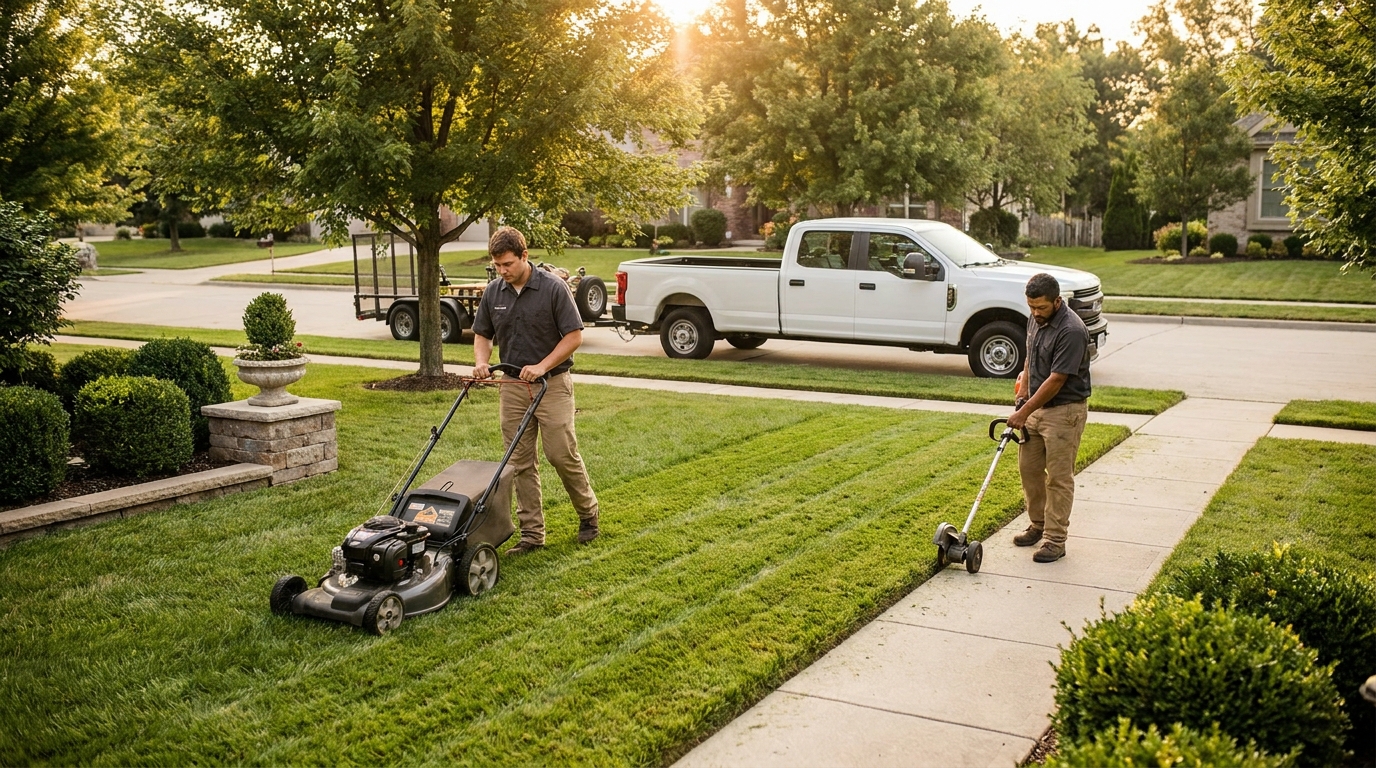
Flat-monthly vs. per-visit: pick the billing model first
Before you automate anything, decide how each maintenance account is priced. Almost all recurring landscaping work bills one of two ways, and the right software lets you set it per client rather than forcing one model on everyone.
Flat monthly
You charge the same amount every month regardless of how many visits fall in that month. A weekly-mow client at $200/month pays $200 in a 4-visit month and $200 in a 5-visit month. Over a season the math evens out, and the appeal is obvious on both sides: the client gets one predictable number they can budget around, and you get smooth, identical revenue you can forecast.
Flat monthly is the default for full-season maintenance contracts. The trap to avoid is letting it drift out of sync with reality — if a client keeps requesting extra cleanups or you keep skipping visits for drought, the flat fee stops matching the work. Good billing software still tracks each visit underneath the flat fee so you can see the true cost-to-serve and re-price at renewal. When that re-price comes, how you word the rate change matters as much as the number. Which model you can actually run also depends on the tooling: we set out the capabilities recurring routes need in what maintenance software has to get right.
Per visit
You bill for exactly the visits performed in the cycle. A client who got four mows at $50 is invoiced $200; if storms cost them a week and they only got three, they're invoiced $150. This is the honest model for variable or as-needed work — leaf season, snow, project-adjacent upkeep — where visit counts genuinely swing month to month. Leaf season is the clearest case, because a fall cleanup runs roughly three times the length of a mow: that is why a four-stop cleanup day pays differently than a twelve-stop mowing day.
Per-visit billing is fairer but only works if every visit is captured automatically. Tally it by memory and you will miss visits, and missed visits are pure lost revenue. The mechanism that makes per-visit safe is the same one that makes flat-monthly accurate: each completed visit is logged against the job, and the invoice is assembled from those logged visits — never from your recollection.
The non-negotiable detail under both models: once a visit has been pulled onto an invoice, it must be marked as billed so it can never land on a second invoice. Double-billing a recurring client is the fastest way to lose one. In Landscapey, pulled visits carry an invoice ID precisely so the same work can't be charged twice.
Get paid automatically — stop sending and start collecting
Generating the invoice is only half the job. The bigger win in recurring billing is collection: moving from "send a bill and wait" to "the payment just happens." Three pieces make that real.
- Card on file. When a client saves a card the first time they pay, every future invoice can be charged to it automatically on the due date. No reminder emails, no "did you get my invoice?", no check in the mail. For a maintenance book, this single change is what turns recurring revenue from a hope into a deposit.
- Online payment on every invoice. Even for clients who pay manually, a one-tap Pay button on the invoice — card or ACH — removes every excuse for delay. A public, tokenized invoice link the client can open and pay from their phone collects far faster than a PDF attachment they have to print, sign a check for, and mail.
- Payments that land in your account. This is where a lot of "free" tools quietly cost the most. Some lawn-care billing apps route your customers' payments through their own merchant account and skim a surcharge on top of the normal card processing fee. On $7,200 of monthly volume, even a 1% override is $864 a year out of your pocket for nothing. Landscapey uses Stripe Connect with direct charges, so card payments settle straight into your Stripe account with no platform fee on top — you pay standard processing and nothing else.
If you're weighing tools and want to see how this plays out against a popular free option, the Yardbook alternatives breakdown walks through exactly where surcharges hide.

Keep the books clean: the QuickBooks handoff
Automating billing inside your field software is a win until it creates a second problem: now your invoices live in one system and your accountant works in another. Re-keying every invoice and payment into QuickBooks by hand re-introduces exactly the manual labor you just eliminated — and it's where reconciliation errors creep in.
The clean solution is a one-way sync: invoices and payments created in your billing software push automatically into QuickBooks Online, matching to the right customer and recording the payment, with no double entry. You bill and collect in the tool built for the field; your books stay current in the tool built for taxes. (For the full chart-of-accounts and sales-tax setup that makes this airtight, see the QuickBooks for landscapers setup guide, and for the monthly routine that keeps it reconciled, the landscaping bookkeeping guide.)
The principle: enter the data once, at the source, and let it flow downstream. Every system that requires you to type the same invoice twice is a system that will eventually disagree with itself.
How to switch from manual invoicing: a 5-step playbook
Before you choose a tool, it is worth knowing what each one charges to move the money: we priced six options in our guide to landscaping invoice software and the payment stack behind it. If you're billing recurring clients out of a spreadsheet or a generic invoicing app today, here's how to move to automated recurring billing without disrupting cash flow.
- List your recurring accounts and lock the model. For each maintenance client, write down the price and whether it's flat-monthly or per-visit. This is the one decision you can't automate — make it deliberately, account by account.
- Set up the recurring jobs. Create each maintenance job with its visit schedule (weekly, biweekly, monthly) so the software generates the visits going forward. From here, the visits drive the invoices.
- Collect cards on file at the next billing cycle. When you send the first automated invoice, include the online-payment link and ask clients to save a card. Most will — paying once by card is easier than writing a check, and after that it's hands-off for both of you.
- Run one cycle in parallel. For the first month, eyeball the auto-generated invoices against what you'd have billed manually before they send. You're checking that visit counts and amounts match. They will — but the parallel run buys you confidence to let go.
- Turn on the QuickBooks sync and stop re-keying. Once invoices and payments flow into your books automatically, you've closed the loop: scheduled work becomes an invoice, the invoice collects itself, and the payment lands in your accounting — all without you touching it after setup.
What to look for in recurring billing software
Not every invoicing tool handles recurring landscaping work well. When you evaluate options, hold each one to this checklist:
- True recurring billing — both flat-monthly and per-visit, set per client, with visits auto-rolling into the invoice. A tool that only does one-off invoices will leave you doing the recurring part by hand.
- No double-billing safeguard — billed visits are flagged so the same work can't be invoiced twice.
- Direct payments with no surcharge — money settles into your own account at standard processing rates, not through a middleman that takes an override.
- Card on file / autopay — so recurring invoices collect themselves.
- QuickBooks sync — one-way push of invoices and payments, no double entry.
- Flat, predictable software pricing — watch for per-user or per-invoice fees that punish you for growing. Landscapey is one plan with unlimited invoices and no per-invoice fee — and, being straight about it, a single-operator login today, so there are no crew seats to charge for either way — at $19.99/month launch pricing.
The throughline is automation you don't have to babysit: the work you schedule becomes the bill you send becomes the payment you collect becomes the entry in your books — once, at the source, with you out of the loop after setup.
Frequently asked questions
Can I bill recurring landscaping clients automatically?
Yes. With recurring jobs set up, each completed visit is logged and rolls into an invoice on your billing cycle — flat-monthly or per-visit. With a card on file, that invoice is charged automatically on the due date, so the whole cycle runs without manual work after setup.
Should I bill maintenance clients flat-monthly or per-visit?
Flat-monthly suits full-season contracts where you want predictable, identical revenue and the client wants one budgetable number. Per-visit suits variable or as-needed work where visit counts genuinely swing. Good software lets you choose per client rather than forcing one model on your whole book. Whichever you pick, it belongs in writing: we broke down what that choice is worth in dollars, alongside the other five clauses, in our lawn care contract template guide.
What are the payment processing fees on recurring billing?
It depends on the tool. Some "free" apps route payments through their merchant account and add a surcharge on top of standard card fees. Landscapey uses Stripe Connect direct charges — payments settle into your own account at standard processing rates with no platform fee on top.
Does recurring billing sync with QuickBooks?
It should. Landscapey pushes invoices and payments one-way into QuickBooks Online — matching the customer and recording the payment — so your books stay current without double entry. You bill in the field tool and reconcile in QuickBooks.
How do I stop chasing late payments from recurring clients?
Get a card on file and turn on autopay, so recurring invoices collect themselves on the due date instead of waiting on a check. For clients who still pay manually, put a one-tap online Pay button on every invoice to remove the friction that causes delay.
Commercial maintenance accounts are where recurring billing really pays off — a single HOA or office-park contract can mean thousands in predictable monthly revenue on net-30 terms. If you’re chasing those, see our guide to how to get commercial landscaping contracts.
Recurring revenue is the whole point of a maintenance business — but only if collecting it doesn't cost you a work week every month. Automate the billing, get a card on file, let the books update themselves, and the predictable revenue you built actually shows up predictably in your account. Start free with Landscapey and set up your first recurring client in a few minutes.